First draw
Score 300
+10 XP · +10 coins
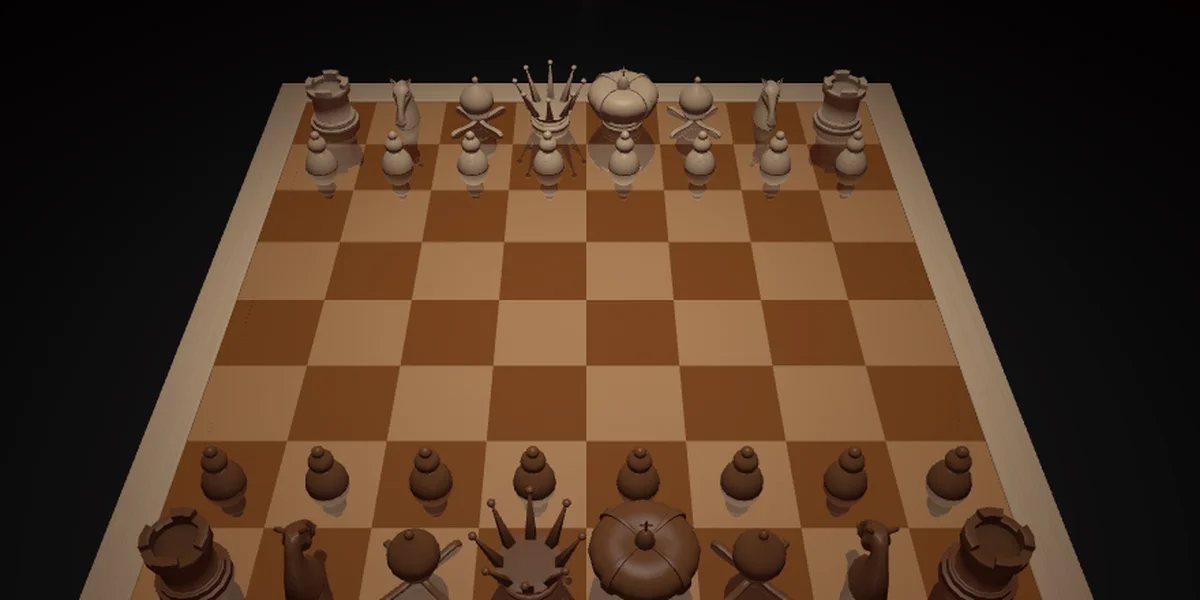
Choose the computer's strength, plan your moves, and protect your king. The game displays check, checkmate, and stalemate; choose a promotion piece in the menu before promoting a pawn.
Save a game as a PGN file or load one from your device. Scores from new games against the computer are stored locally, and an account can keep your best in your profile.
The new game dialog lets you choose a side and the strength of your opponent. Select a piece and then a destination square to move. The board supports both mouse and touch input.
Score 300
Score 1,000
Score 5,000
Score 10,000
Play 1 times
Play 10 times
Play 50 times
First personal best
No scores yet — be the first
Play| Keys | Action |
|---|---|
| Mouse or touch | select a piece and destination |
| Mouse wheel | zoom the board |
| New game | choose a side and level |
| PGN menu | save or load a game |
No, guests can play; an account keeps your best in your profile.
Yes, select white or black in the new-game dialog.
Use the save button in the menu to download a PGN file.
Licences and credits: Chess3D — Yann Granjon; Levbee changes. — ATTRIBUTION.md