First materials
Score 3
+10 XP · +10 coins
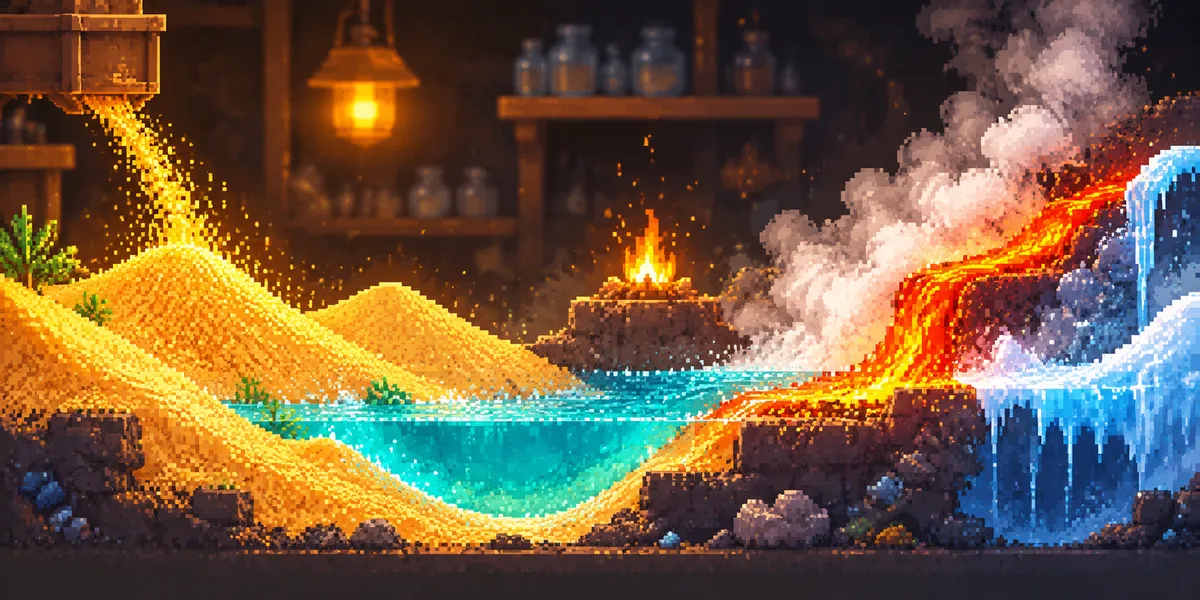
Sand Workshop is a falling-sand sandbox where you build your own world one material at a time. Nineteen materials are on the palette: sand, water, ice, steam, lava, fire, glass, propane, dynamite, aerogel, dry ice, a black hole and more. Every cell stores its temperature, so hot lava melts ice, water turns into steam and fire dies down when it meets moisture.
Draw with a mouse or a finger, change the brush size, zoom in and turn on the heatmap to watch heat spread through your build. Raise a castle, set off an eruption or find out what happens when incompatible materials meet. The game runs in the browser, keeps your builds on the device and marks every new material you try on your Levbee profile.
Score 3
Score 8
Score 14
Score 19
Play 1 times
Play 10 times
Play 50 times
First personal best
No scores yet — be the first
Play| Keys | Action |
|---|---|
| Mouse or finger | choose a material and draw on the field |
| Palette card | switch the material |
| Brush slider | make the brush bigger or smaller |
| Pause button | stop or resume the simulation |
| View button | switch between the normal view and the heatmap |
| Zoom | zoom the field in or out |
| Reset button | clear the field |
| Save and load | download a build or open it again |
No, you can play as a guest. With an account, the number of materials you have tried goes to your Levbee profile and unlocks achievements.
For every new material you draw with. Using the same one again does not raise the score.
Yes, a save can be downloaded as a file, and the latest build stays on your device after a reload.
Yes, draw with a finger and the palette and buttons adapt to a narrow screen.
Licences and credits: moonsbox — KlasterK, GPL-3.0; значки — Carrot; изменения Levbee. — ATTRIBUTION.md